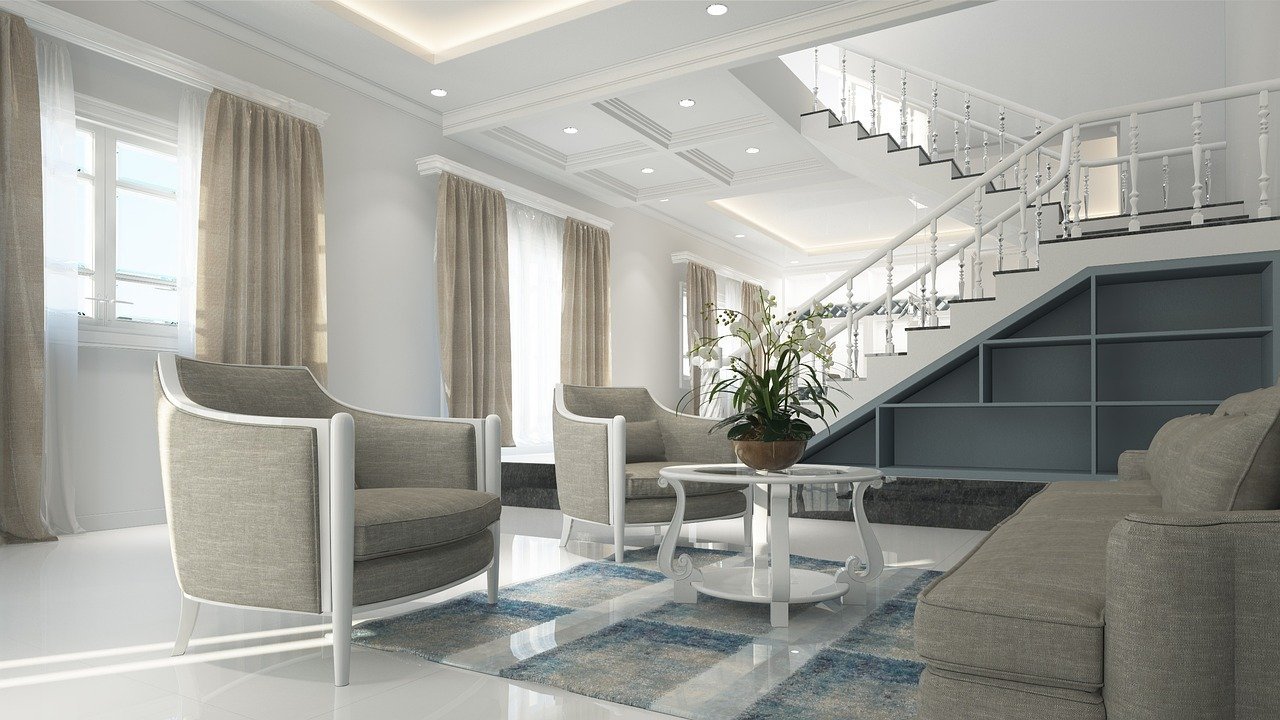
How do you make a virtual showroom for apartments or facilities technically viable? A virtual showroom is not a media album. It should make spaces understandable, trigger qualified inquiries, and support the transition to viewing, exposure, and conversation. For this, WordPress pages, 360-degree tours, forms, and tracking need a shared object structure.
In the real estate cluster, the showroom comes before appointment and portal processes: it makes objects experiential, the Prospect Portal collects data and consents, and Online Appointment Planning assigns specific viewings. The Object Document Folder remains the internal location for shared documents and maintenance notes.
Virtual showroom in WordPress: technical design
3D tours only work if they load quickly, stay current, and are linked to specific inquiries or viewing appointments.
WordPress can provide object pages, media, and forms. 3D or 360-degree services provide tours, SEO data, and performance optimization ensures discoverability.
Data model, roles, and permissions
A robust data model keeps business objects separate and makes status changes traceable. Typical fields are: Object, Room, Media, Equipment, Availability, Contact Form, Lead Source, Appointment Request, and Publication Status.
Marketing maintains content, Sales processes inquiries, Object Management provides data, and Technology monitors performance and data protection. Permissions should therefore not be granted en masse. For production solutions, it is more important who can read, edit, approve, administer, or only evaluate.
Process and automation
An object is created in a structured way, media is embedded in an optimized manner, a form captures qualified inquiries, and appointments or callbacks are tracked.
Power Automate, app logic, or webhooks should each take on clearly defined tasks. A good solution stores results in the business process and does not rely solely on email threads or execution histories.
Limits, error cases, and operations
Large media can weaken mobile usage. Data protection and external services should be integrated transparently.
For operations, simple check points count: Who sees failed runs? How are incomplete records corrected? What happens when connections expire, permissions are missing, or master data changes? Such questions belong in the design before the process is rolled out broadly.
Introduction in meaningful steps
A pilot with a few objects, clear media formats, and a simple inquiry function quickly shows which content is actually used.
The first version should be small enough to fully test real cases: standard case, missing mandatory data, rejection or correction, reprocessing, and manual takeover in case of disturbance. After that, the solution can grow with additional roles, locations, evaluations, or integrations.
What realistic effect is
Prospects can prepare better, and sales conversations start with more concrete questions. The effect remains measurable if, before the pilot, it is defined which metrics count: processing time, open cases, follow-up questions, error rate, deadline overruns, or utilization. Thus, digitalization becomes a controllable improvement process.
Follow-up questions in the topic cluster
The following posts deepen adjacent technical questions:
- Schedule real estate viewings online
- Plan Prospect Portal for viewings and appointment finding
- Digitally structure object document folders
- Set up a central project repository with SharePoint instead of paper plans
How the showroom connects to the process
Before implementation, document the process goal, data model, permissions, error paths, and operational responsibility on a single page. This brief specification forms the basis for the MVP, test cases, and future extensions. It prevents a solution from launching quickly but becoming difficult to explain or maintain in daily operations.
Build the showroom technically clean
If a virtual showroom should support leads and tours, plan the media structure, performance, and connection process together. Discuss the technical use case